Introducing AutoReplyX: Grow on Twitter in Any Language
We built AutoReplyX to destroy the most frustrating bottleneck in multilingual Twitter growth — the 4-minute copy-paste-prompt-paste loop. Here's the story.
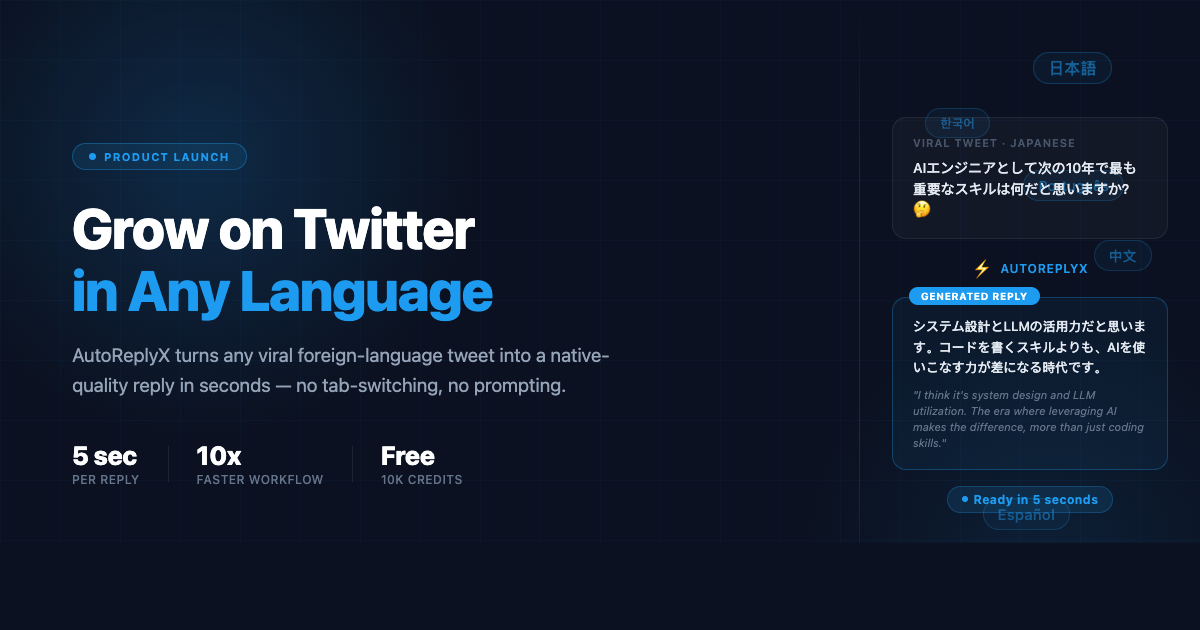
You’re scrolling through Twitter. A Japanese tech thread just hit 15,000 likes. The momentum is right there — thousands of people actively engaged, algorithm pushing it to even more.
This is the moment. Reply fast, get seen early, ride the wave.
So you tap the tweet. Copy the text. Open ChatGPT in a new tab. Write a prompt explaining the context and what kind of reply you want. Wait. Copy the output. Switch back to Twitter. Paste it. Read it again. Edit it. Post.
Four minutes later, your reply are sent.
This is the bottleneck we set out to destroy.
What AutoReplyX Does
AutoReplyX is a web app that turns any tweet URL into a native-quality, ready-to-post reply in seconds.
Paste the URL. Click Generate. Done.
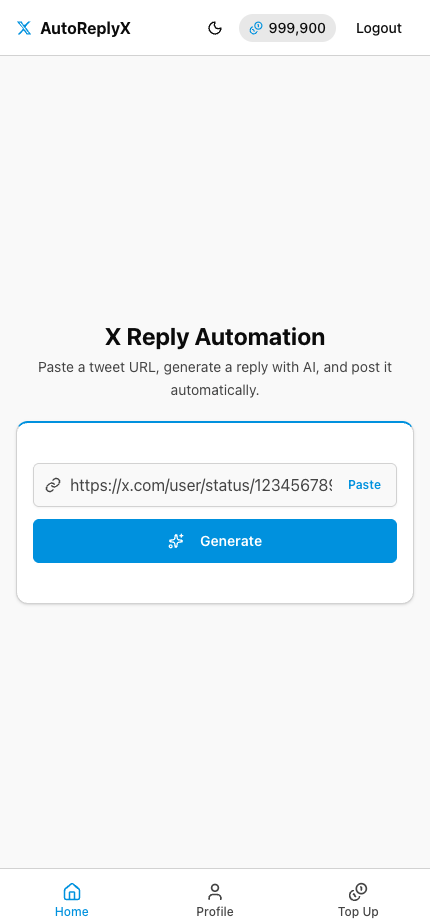
The app fetches the original tweet, detects the language, understands the context, and writes a reply that sounds like it came from someone who speaks the language fluently — not a translation tool.
Here’s what a result looks like for a Japanese tweet:
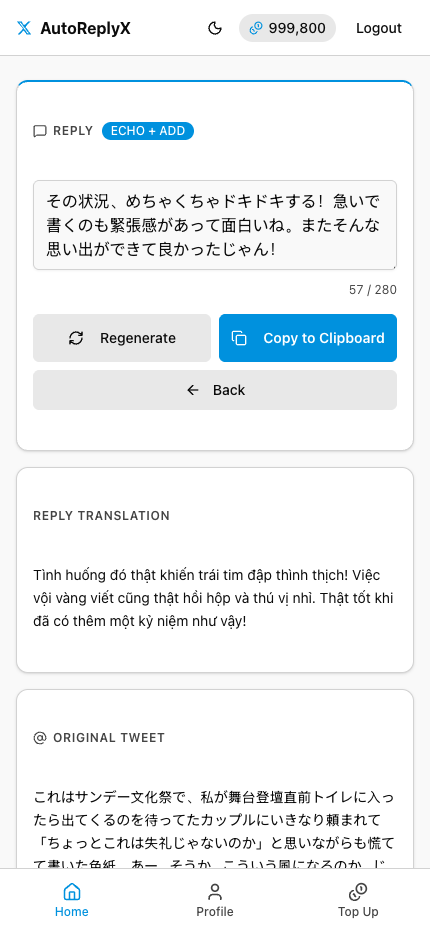
Every generated reply comes with a translation in your own language, so you always know exactly what you’re posting before you send it.
See It in Action
The Problem We Solved
The old workflow, step by step:
- Find the tweet and copy the text — select, copy, leave the app
- Open ChatGPT and write a prompt — explain the context, specify your tone, wait for the output
- Paste the reply back into Twitter — edit, reformat, double-check, then post
That’s 4–5 minutes per reply. Ten replies a day and you’re spending close to an hour on context-switching alone — before you’ve written a single original post.
AutoReplyX collapses all three steps into one. You paste a URL. We handle translation, context understanding, tone matching, and generation. You read the translation, approve the reply, and post.
Key Features
- One-click reply generation from any tweet URL — no copying, no switching apps
- Full multilingual support — Japanese, Korean, Spanish, Portuguese, French, and any other language on Twitter
- Translation preview — always see what your reply means before you post it
- Mobile-optimized — spot a viral tweet on your phone and reply before the moment passes
- 10,000 free credits on signup — that’s 100 replies, no credit card required
Who This Is For
AutoReplyX was built for Twitter creators who already understand that engagement drives reach — and want to expand that reach into markets they couldn’t access before.
If you post consistently, engage actively, and want to tap into Japanese developers, Spanish-speaking entrepreneurs, Korean creators, Portuguese-language communities, or any other high-engagement foreign market, this tool was built for you.
The opportunity has always been there. Now the friction is gone.
Start Free
No credit card. No subscription. Just 10,000 credits and a faster path to global growth.
Ready to try it yourself?
Start with 10,000 free credits — no credit card required.
Get 10,000 Free Credits →